

Payment Methods Available In Bangladesh
Most play in Bangladesh are handled through the cashier in BDT, so the chosen payment methods decide the limits, availability, and how fast a top up goes through. For most local wallets, the minimum deposit starts from 500 BDT, and the fee is listed as Free.
| Payment Method | Minimum Deposit | Maximum Deposit | Minimum Withdrawal | Deposit Processing Time |
|---|---|---|---|---|
| Bkash | 500 BDT | 25,000 BDT | 150 BDT | Instant |
| Nagad | 500 BDT | 25,000 BDT | 150 BDT | Instant |
| Rocket | 500 BDT | 25,000 BDT | 150 BDT | Instant |
| Upay | 500 BDT | 25,000 BDT | 150 BDT | Instant |
| Easypaisa | 500 BDT | 25,000 BDT | - | Instant |
| Jazzcash | 500 BDT | 25,000 BDT | - | Instant |
| Bank Transfer | 500 BDT | 25,000 BDT | 150 BDT | Instant |
| USDT TRC20 | 8.29 USDT | Unlimited | - | Up to 15 minutes |
| USDT ERC20 | 8.29 USDT | Unlimited | - | Up to 15 minutes |
These numbers work as a quick reference when choosing a method based on budget and speed. If a method shows a dash for minimum withdrawal, it is best to confirm the cash out minimum inside the cashier before submitting a request. For USDT options, the maximum deposit is listed as Unlimited, and the processing time is longer than with local wallets.
Choosing the right payment method affects not only speed but also limits, availability, and how smoothly deposits and withdrawals are processed.
Payment Method Details
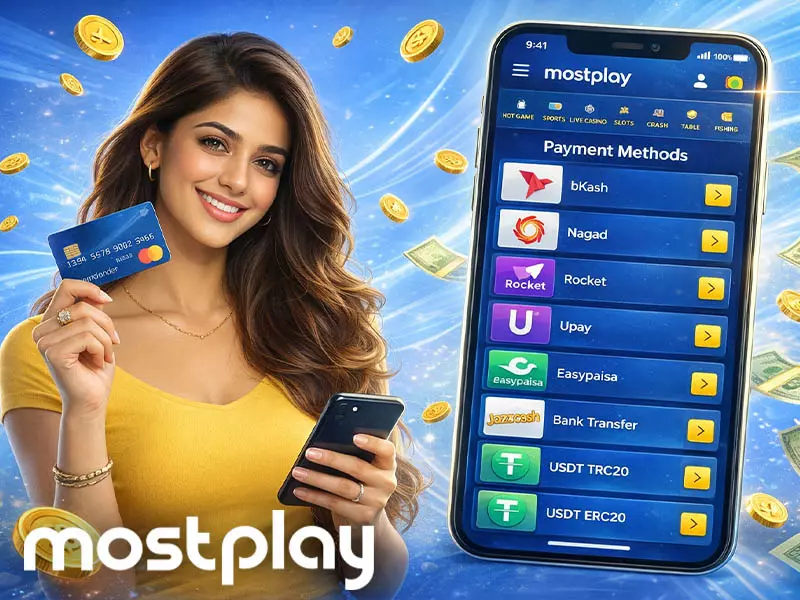
Payments in Bangladesh are handled in the cashier, where each method shows its limits and deposit processing time, and Mostplay affiliate partners often reference this flow when explaining how players fund accounts. Local wallets support fast BDT top ups, bank transfer uses the same BDT range, and USDT supports crypto deposits with an unlimited maximum deposit.
- bKash - BDT wallet, min deposit 500 BDT, max deposit 25,000 BDT, min withdrawal 150 BDT, deposit processing time instant, fee free;
- Nagad - BDT wallet, min deposit 500 BDT, max deposit 25,000 BDT, min withdrawal 150 BDT, deposit processing time instant, fee free;
- Rocket - BDT wallet, min deposit 500 BDT, max deposit 25,000 BDT, min withdrawal 150 BDT, deposit processing time instant, fee free;
- Upay - BDT wallet, min deposit 500 BDT, max deposit 25,000 BDT, min withdrawal 150 BDT, deposit processing time instant, fee free;
- Easypaisa - wallet, min deposit 500 BDT, max deposit 25,000 BDT, min withdrawal not shown, deposit processing time instant, fee free;
- Jazzcash - wallet, min deposit 500 BDT, max deposit 25,000 BDT, min withdrawal not shown, deposit processing time instant, fee free;
- Bank Transfer - BDT bank method, min deposit 500 BDT, max deposit 25,000 BDT, min withdrawal 150 BDT, deposit processing time instant, fee free;
- USDT TRC20 - crypto, min deposit 8.29 USDT, max deposit unlimited, min withdrawal not shown, deposit processing time up to 15 minutes, fee free;
- USDT ERC20 - crypto, min deposit 8.29 USDT, max deposit unlimited, min withdrawal not shown, deposit processing time up to 15 minutes, fee free.
These descriptions help a player match the method to the amount and expected speed. The final availability and any method specific withdrawal rules should always be checked inside the cashier before confirming the transaction.
How to Make a Deposit on Mostplay?
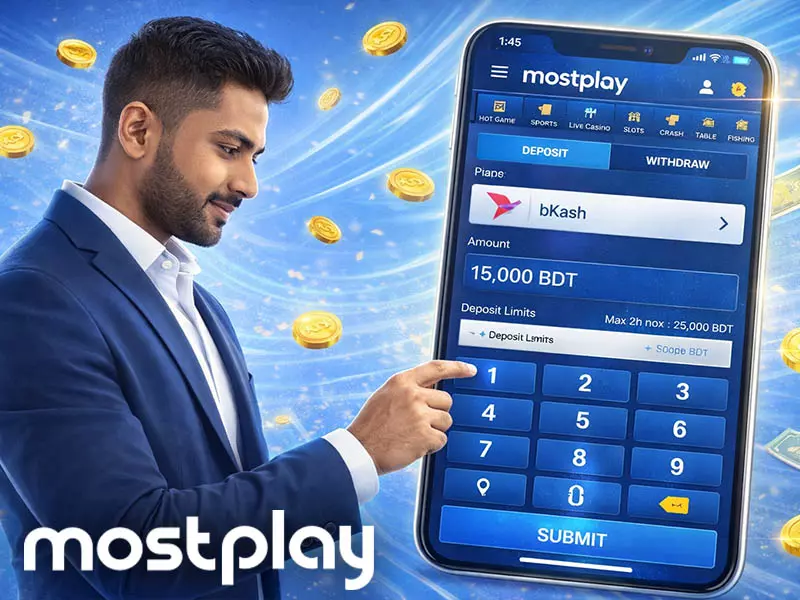
Mostplay deposit starts in the cashier, where a player picks a method, enters an amount in BDT or USDT, and confirms the payment through the provider flow. The fastest deposits come from local wallets because the deposit processing time is listed as instant, so the balance updates quickly after confirmation.
- Log in and open the cashier, then select Deposit;
- Choose a payment method like bKash, Nagad, Rocket, Upay, Bank Transfer, or USDT TRC20 ERC20;
- Enter the amount and check the minimum and maximum limits shown on screen;
- Confirm the details, then follow the provider prompt to complete the payment;
- Return to the wallet and check that the balance has updated;
- Open Transaction History and confirm the deposit status and timestamp;
- If the status stays pending, wait a short time and avoid multiple retries;
- Contact support with the transaction reference if the deposit does not complete.
After a successful deposit, a player should keep the same method details for future top ups and review the cashier limits before each new payment, especially when switching between BDT wallets and USDT deposits.
How to Withdraw Money on Mostplay?
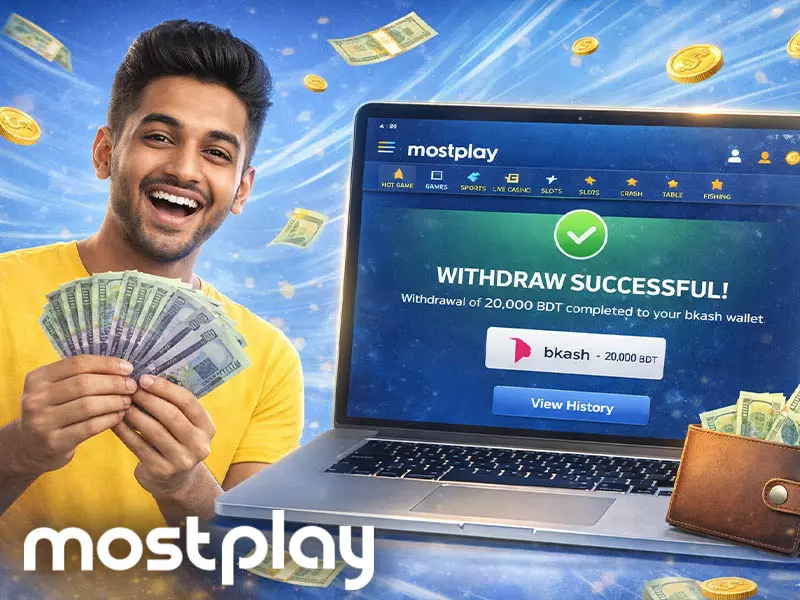
A Mostplay withdrawal runs through the cashier, where the player selects a method and submits a request. The key is to match the channel, stay within the shown limits, and double check details before confirming, so the request moves through without delays.
- Log in and open the Cashier, then choose Withdraw;
- Pick the same channel used for the last deposit;
- Enter the amount and check it matches the limits shown on screen;
- If it is a first time cash out, attach any requested ID documents;
- Confirm the request and track the status as it moves from Pending to Success when the funds arrive.
After submitting, the player should monitor the transaction record and avoid placing multiple withdrawal requests back to back. If the status stays Pending for too long, it helps to share the request time and key details with support.
Verifying an Account
Account verification is a practical step that supports safer play and smoother withdrawals, and it usually becomes visible right after Mostplay casino login in the profile or security area. The process is document based, and the platform checks identity and address details before unlocking full withdrawal access.
| Document Type | What Is Accepted | Key Requirements |
|---|---|---|
| Valid Photo ID | Passport, driver’s license, national ID card | Name, signature, photo visible, all four corners visible |
| Proof Of Address | Bank statement, utility bill from last 6 months | Mobile phone bills not accepted, all four corners visible |
| File Formats | JPG, PNG, sometimes PDF | Sharp, high quality images to reduce delays |
| Review Time | Within 48 hours | Extra documents may be requested in some cases |
A player logs in, opens the menu in the upper right area, and goes to the Account Verification section. The upload page also asks the player to confirm some registration details, then submit proof of identity and proof of address. If the review takes longer than expected, customer service can confirm what is missing and what document type is needed next.